
The CuteBot Pro is a programmable robot-car kit designed for STEAM/robotics education.
Key features include:
- It supports the micro:bit board (or similar controller) as its brain.
- It has encoder motors (for precise movement), line-following sensors (4-way/4-sensor variety), an ultrasonic distance sensor (for obstacle detection), LED lights, etc.
- It includes expansion interfaces so additional sensors or mechanical parts (arms, attachments) can be added.
- It’s targeted at educational use — ages around 9 or 10 and up.
Obstacle Avoiding Car
/**
 * --- VARIABLES ---
 */
// --- BUTTON CONTROLS ---
input.onButtonPressed(Button.A, function () {
    CutebotPro.pwmCruiseControl(0, 0)
    CutebotPro.colorLight(CutebotProRGBLight.RGBA, 0x000000)
    // Bottom lights same as headlight
    strip.showColor(neopixel.colors(NeoPixelColors.Red))
    basic.showIcon(IconNames.No)
})
input.onButtonPressed(Button.B, function () {
    CutebotPro.colorLight(CutebotProRGBLight.RGBA, 0x00ff00)
    // Bottom lights same as headlight
    strip.showColor(neopixel.colors(NeoPixelColors.Red))
    music.playTone(523, music.beat(BeatFraction.Eighth))
    CutebotPro.pwmCruiseControl(SPEED, SPEED)
    basic.showIcon(IconNames.Yes)
    basic.pause(500)
    basic.clearScreen()
})
let distance = 0
let strip: neopixel.Strip = null
let SPEED = 0
// reduced forward speed for smooth stop
SPEED = 40
// turning speed
let TURN_SPEED = 17
// backward speed
let BACK_SPEED = 20
// obstacle distance (cm)
let THRESHOLD = 20
// start slowing down here
let SLOW_DISTANCE = 20
// duration for 90° left turn
let TURN_TIME_90 = 50
// ≈3 cm reverse duration
let BACK_TIME = 100
// 0.5 second stop delay
let STOP_DELAY = 500
// --- NEOPIXEL LIGHTS (Bottom Lights on P15_0 and P15_1) ---
strip = neopixel.create(DigitalPin.P15, 2, NeoPixelMode.RGB)
strip.setBrightness(80)
// --- STARTUP ---
basic.showIcon(IconNames.Heart)
music.playTone(262, music.beat(BeatFraction.Quarter))
basic.pause(500)
basic.clearScreen()
CutebotPro.colorLight(CutebotProRGBLight.RGBA, 0xffffff)
// Bottom lights same as headlight
strip.showColor(neopixel.colors(NeoPixelColors.Red))
CutebotPro.pwmCruiseControl(SPEED, SPEED)
// --- MAIN LOOP (SMART OBSTACLE AVOIDANCE) ---
basic.forever(function () {
    distance = CutebotPro.ultrasonic(SonarUnit.Centimeters)
    if (false) {

    } else if (false) {

    } else {

    }
})
Line Following Car
/**
 * Line Following Program with All White LED Lights
 *
 * Extension required: pxt-cutebot-pro
 */
// Initialize the bottom NeoPixel strip on start
let strip = neopixel.create(DigitalPin.P15, 2, NeoPixelMode.RGB)
basic.forever(function () {
    // Read the tracking sensor state
    CutebotPro.trackbitStateValue()
    // Set all lights to white
    // White headlights
    CutebotPro.colorLight(CutebotProRGBLight.RGBA, 0xffffff)
    // White bottom lights
    strip.showColor(neopixel.colors(NeoPixelColors.White))
    // Tracking State 1: On line (straight)
    // Tracking State 2: Line on far right - turn right
    // Tracking State 3: Line on far left - turn left
    // Tracking State 5: Centered on line
    // Tracking State 6: Slight deviation right
    // Tracking State 7: Slight deviation left
    // Tracking State 8, 9, 11: Line drifting left
    // Tracking State 12, 13, 14: Line drifting right
    // Default: Lost the line - stop
    if (CutebotPro.getGrayscaleSensorState(TrackbitStateType.Tracking_State_1)) {
        CutebotPro.pwmCruiseControl(25, 25)
    } else if (CutebotPro.getGrayscaleSensorState(TrackbitStateType.Tracking_State_2)) {
        CutebotPro.pwmCruiseControl(35, 0)
    } else if (CutebotPro.getGrayscaleSensorState(TrackbitStateType.Tracking_State_3)) {
        CutebotPro.pwmCruiseControl(0, 35)
    } else if (CutebotPro.getGrayscaleSensorState(TrackbitStateType.Tracking_State_5)) {
        CutebotPro.pwmCruiseControl(25, 25)
    } else if (CutebotPro.getGrayscaleSensorState(TrackbitStateType.Tracking_State_6)) {
        CutebotPro.pwmCruiseControl(30, 15)
    } else if (CutebotPro.getGrayscaleSensorState(TrackbitStateType.Tracking_State_7)) {
        CutebotPro.pwmCruiseControl(15, 30)
    } else if (CutebotPro.getGrayscaleSensorState(TrackbitStateType.Tracking_State_8) || CutebotPro.getGrayscaleSensorState(TrackbitStateType.Tracking_State_9) || CutebotPro.getGrayscaleSensorState(TrackbitStateType.Tracking_State_11)) {
        CutebotPro.pwmCruiseControl(0, 35)
    } else if (CutebotPro.getGrayscaleSensorState(TrackbitStateType.Tracking_State_12) || CutebotPro.getGrayscaleSensorState(TrackbitStateType.Tracking_State_13) || CutebotPro.getGrayscaleSensorState(TrackbitStateType.Tracking_State_14)) {
        CutebotPro.pwmCruiseControl(35, 0)
    } else {
        CutebotPro.pwmCruiseControl(0, 0)
    }
})
More Projects
-
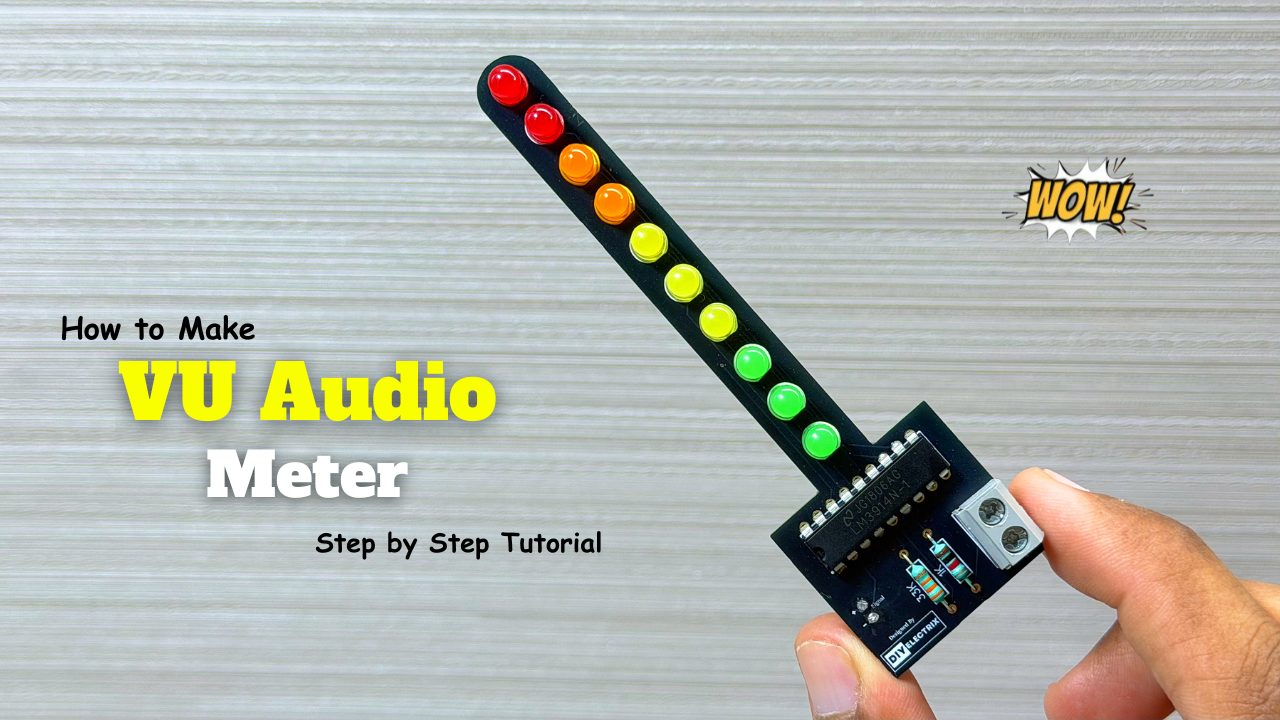
Audio Level Indicator – VU Meter
The VU meter—short for “volume unit meter”—is a device used to measure the average level of audio signals in terms of their loudness. It visually indicates the intensity of sound …
-
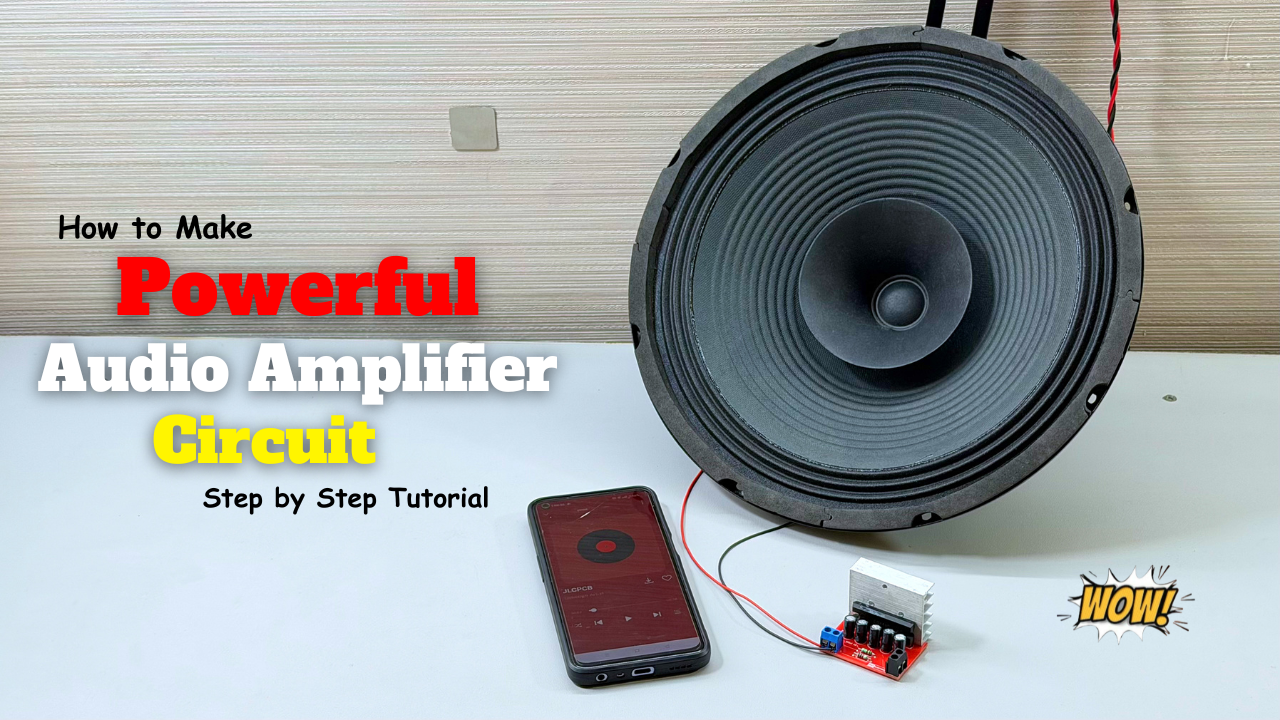
Powerful Audio Amplifier Using cd4440
Welcome to our latest video where we delve into the fascinating world of audio amplification using the CD4440 IC! In this comprehensive guide, we’ll walk you through the step-by-step process …
-
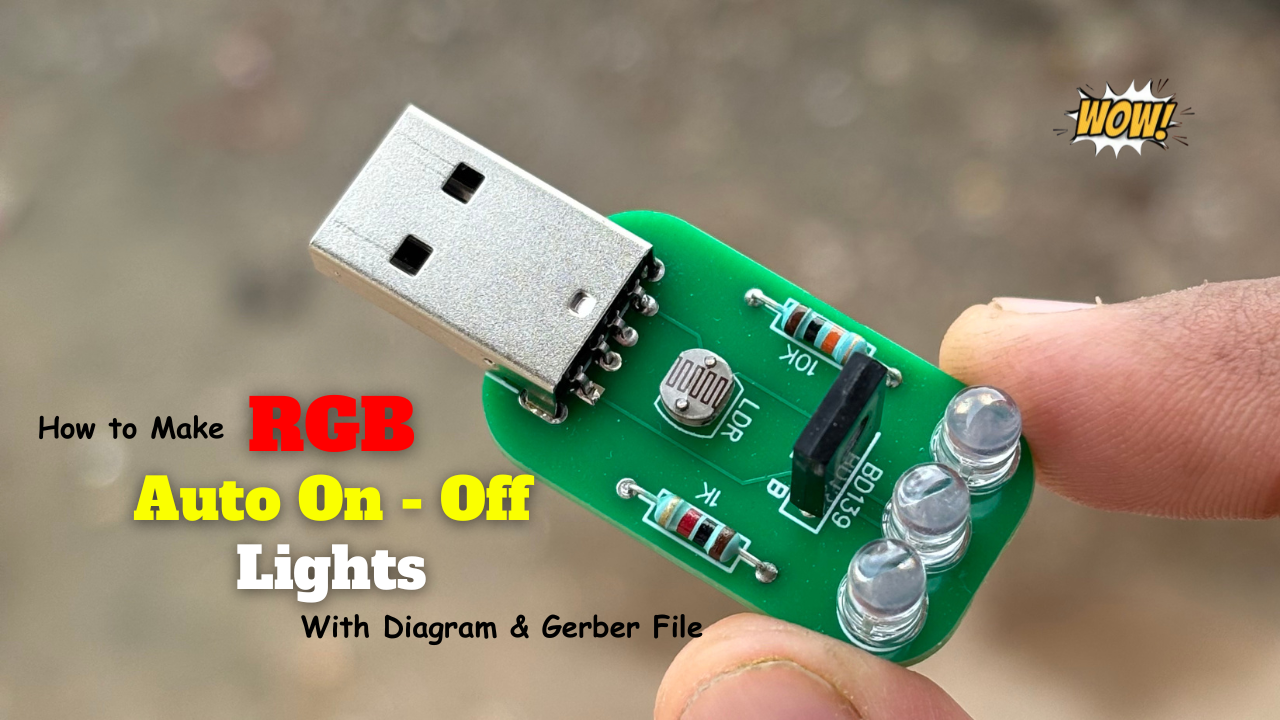
Building an Automatic Dark Sensor with BD139 Transistor
Light and darkness are two sides of the same coin, influencing our daily lives in ways we often overlook. Imagine a world where lights adjust themselves according to the ambient …